

Hashrate
Historical hashrate analytics across site, miner type, and mining unit views with trend analysis and anomaly detection.
The Hashrate report provides detailed analytics on your fleet's computing power over time. Track hashrate trends, identify anomalies, and compare performance across different aggregation levels.
For real-time hashrate monitoring, see the Header and Dashboard. For a unified view of all operational metrics, see the Operations Dashboard.
Site view
Site View aggregates hashrate across your entire operation, providing a high-level performance overview.
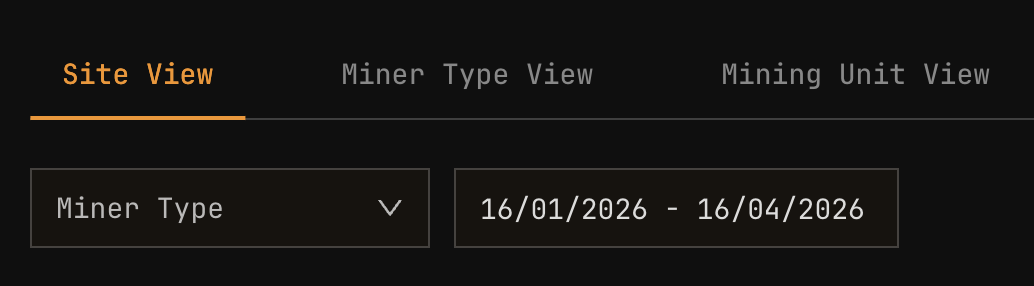
| Element | Description |
|---|---|
| Total hashrate line | Combined hashrate from all miners |
| MiningOS hashrate | Hashrate reported by MiningOS |
| Pool hashrate | Hashrate reported by mining pool (if available) |
| Expected hashrate | Theoretical maximum based on miner count and models |
Discrepancy between MiningOS and pool hashrate is normal within 5-10%. Larger gaps may indicate network issues or pool reporting delays. See Pool Manager for pool configuration.
Site view metrics table
Below the chart, a metrics table provides summary statistics:
| Metric | Description |
|---|---|
| Average hashrate | Mean hashrate over the selected period |
| Peak hashrate | Maximum recorded hashrate |
| Minimum hashrate | Lowest recorded hashrate |
| Variance | Hashrate stability indicator |
Miner type view
Miner Type View breaks down hashrate by miner model, enabling performance comparison across your fleet.
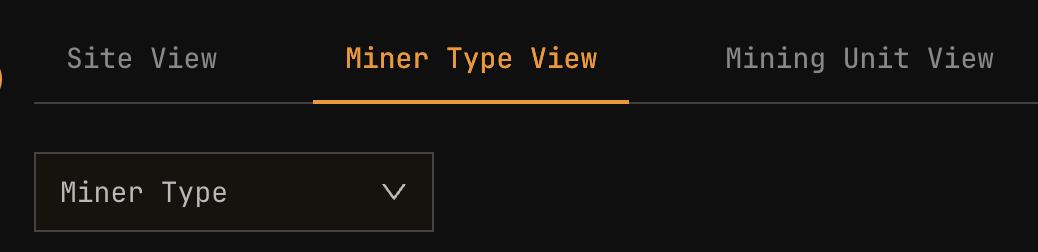
| Element | Description |
|---|---|
| Stacked area chart | Hashrate contribution by miner model |
| Legend | Color-coded miner types (S19XP, M30S, etc.) |
| Hover details | Per-model hashrate at each time point |
Miner type comparison table
| Column | Description |
|---|---|
| Miner Type | Model name (e.g., S19XP, M30S+, A1346) |
| Count | Number of miners of this type |
| Total Hashrate | Combined hashrate for this model |
| Avg per Miner | Average hashrate per individual miner |
| % of Fleet | Percentage contribution to total hashrate |
Compare "Avg per Miner" against manufacturer specifications to identify underperforming models. See Efficiency for W/TH analysis.
Mining unit view
Mining Unit View provides location-based analysis, breaking down hashrate by container or mining unit.
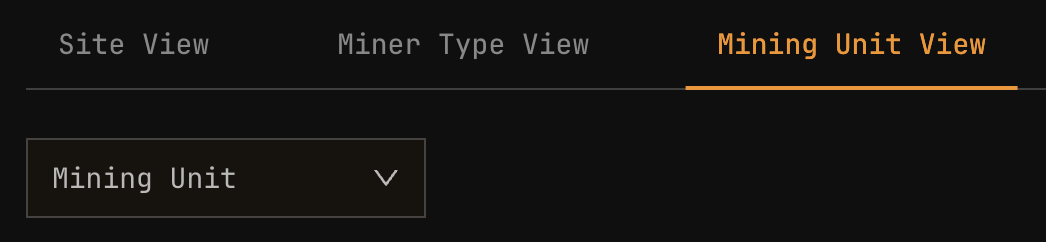
| Element | Description |
|---|---|
| Multi-line chart | Separate line for each mining unit |
| Unit selector | Filter to specific units |
| Comparison mode | Overlay multiple units for comparison |
Mining unit metrics
| Column | Description |
|---|---|
| Mining Unit | Container or unit identifier |
| Miner Count | Number of miners in unit |
| Total Hashrate | Combined hashrate for unit |
| Utilization | Actual vs expected hashrate percentage |
| Status | Overall unit health indicator |
Analyzing hashrate anomalies
Use the Hashrate report to investigate performance issues:
| Pattern | Possible cause | Investigation steps |
|---|---|---|
| Sudden drop | Miners offline, network issue | Check Explorer for offline miners |
| Gradual decline | Equipment degradation, thermal throttling | Review Heatmaps for temperature issues |
| Periodic dips | Scheduled maintenance, power fluctuations | Correlate with Energy report |
| Unit underperforming | Location-specific issue | Check cooling systems, network connectivity |
| Model underperforming | Firmware or configuration issue | Compare against other sites with same model |
Controls
View mode selector
| View | Aggregation | Best for |
|---|---|---|
| Site View | Entire site | Overall performance |
| Miner Type View | By model | Model comparison |
| Mining Unit View | By container | Location analysis |
Date range selector
| Preset | Period | Use case |
|---|---|---|
| Last 24h | 24 hours | Recent issues |
| Last 7d | 7 days | Weekly review |
| Last 30d | 30 days | Monthly trends |
| Custom | User-defined | Specific investigation |
Export options
Export hashrate data for external analysis:
| Format | Contents |
|---|---|
| CSV | Raw time-series data |
| Chart images with summary statistics |
Related documentation
Operations reports
- Operations Dashboard: Unified metrics view
- Energy: Power consumption analysis
- Efficiency: W/TH performance
- Miners: Fleet composition
Real-time monitoring
- Dashboard: Live hashrate display
- Header: Real-time hashrate indicator
- Pool Manager: Pool hashrate comparison
Troubleshooting
- Explorer: Individual miner status
- Heatmaps: Temperature correlation
- Alerts Manual: Performance alerts